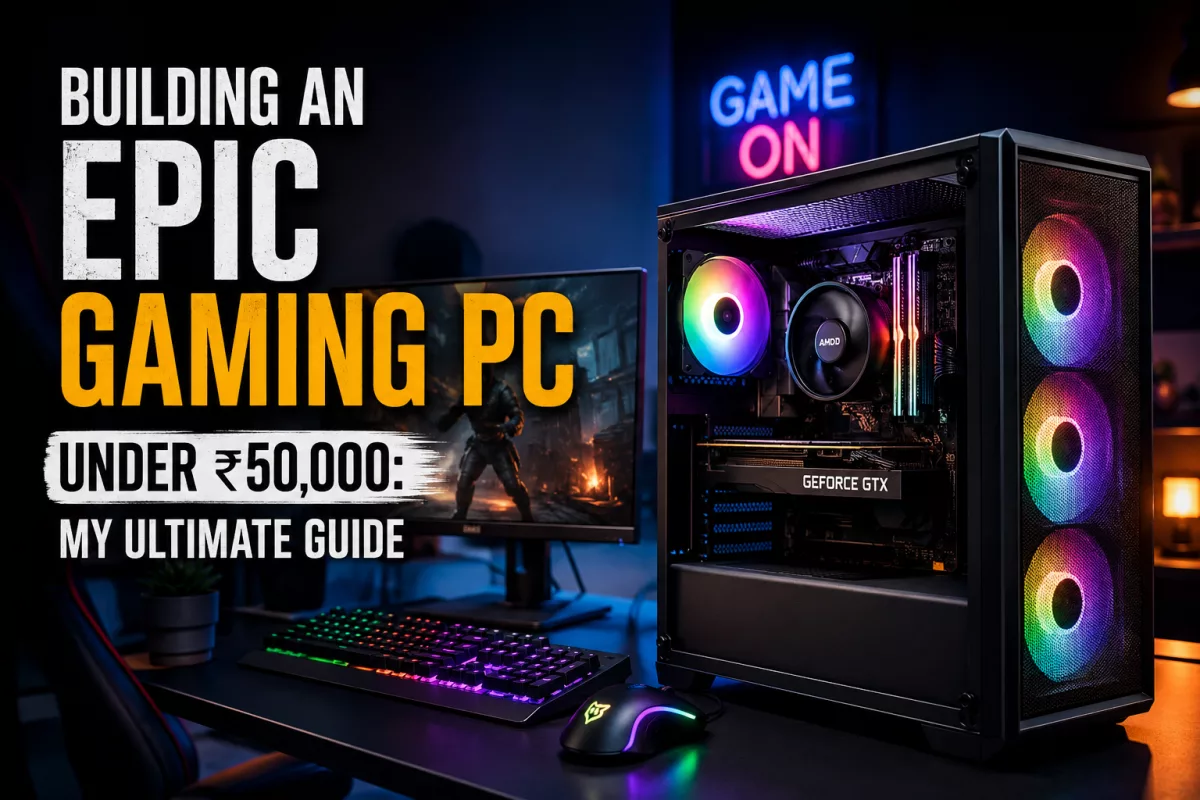
Building an Epic Gaming PC Under ₹50,000: My Ultimate Guide
So, You Want a Gaming PC for Under ₹50,000? I Know the Feeling!
I know, I completely relate. Who doesn’t want to game in high fidelity and explore immersive environments or win the online battles without making a hole in their pocket? Many gamers would think so. However, for most of us and particularly for Indian gamers, the amount of ₹50,000 seems substantial and seems to be enough money to buy a good PC. Yet, constructing a gaming PC for this amount requires making decisions wisely. And that is what I am going to offer in my article. Indeed, I've had the same problem and went through all these moments of decision making. That is why I will share my experience and advice on this issue.
The ₹50,000 Challenge: Establishing Realistic Expectations
Now, before we get into any particular component, let us establish some realistic expectations. You can be sure that no matter how much money you throw into your build, there is no way that you'll be playing Cyberpunk 2077 on ultra-settings at 4K. It's not going to happen, and whoever tells you otherwise is probably trying to sell you something. The thing that you can definitely expect is the ability to play games at full HD resolution. The majority of the modern titles will play just fine, allowing you to achieve that sweet 60 frames per second (FPS).
Where Does Your Money Actually Go?
If you are trying to build a computer while being on a strict budget, then you have to know what parts take up the most money and effort. Most often, your GPU and CPU will take up the most money, followed by RAM, hard drive, motherboard, power supply unit, and the case in decreasing order. We will have to make compromises in each of those areas.
Talk Components: Smart Selection
Brain of the Computer: CPU
When building a computer at the ₹50,000 price range, you have essentially two choices: AMD Ryzen or Intel Core i3/i5. Here’s my recommendation:
AMD Ryzen 5 5600G: If you wish to save some money for now by waiting for a better graphics card, this is the way to go! The Radeon Vega 7 graphics in this chip are quite powerful and will give you the ability to game on lower settings in many games, until you buy your better graphics card in the future. This is also a very powerful CPU with 6 cores and 12 threads.
The Muscle: Graphics Card (GPU)
This is where it gets particularly interesting and often quite heated when it comes to prices. The graphics card is by far the most crucial part for gaming. For less than ₹50,000, you will be targeting entry/mid-range cards. Here are some of the choices I would go with:
AMD Radeon RX 6600: If you manage to get one anywhere in the ₹20,000-₹22,000 range, it is easily the best value for your money. It provides outstanding 1080p performance, even outclassing the RTX 3050.
NVIDIA GeForce RTX 3050: This card provides solid 1080p performance along with the ray tracing and DLSS technology provided by NVIDIA. However, ray tracing is not going to be much of a use in this price bracket. It always tends to cost slightly more than the RX 6600.
NVIDIA GeForce GTX 1650 / GTX 1660 Super (used): If the cost of new graphics cards becomes too steep for your budget or you are considering looking into secondhand hardware (which I strongly suggest for GPUs), GTX 1660 Super becomes an amazing choice available for ₹12,000-₹15,000 or even a GTX 1650 is sufficient enough for esports games.
Pro Tip: Really, look at the used GPU market! There are often some awesome deals from reliable sellers on GPUs that aren't quite the latest, but still have great specs.
Memory: RAM
If you want to play games in 2024, 16GB DDR4 RAM should be the way to go. Even if you're stuck buying 8GB, you need to buy as fast as possible. Remember to buy 2 sticks of 8GB (e.g., 2x8GB) to enable dual channel mode. This gives you much better performance than using a single stick of RAM, especially if it's an AMD APU build. The speed should be at least 3200MHz or 3600MHz if it isn't too much more expensive.
Storage: Fast is Important!
Every gaming PC in the current market should have an SSD. You cannot afford to buy a PC without the SSD because of how much faster it operates compared to the regular hard drives. Your preferred choice should be a 500GB NVME SSD since they offer more speed compared to the usual SATA SSDs and are not very expensive these days. Reliable brands include Crucial, WD Green/Blue or Kingston. However, if possible, 1TB NVME is recommended or, alternatively, you can use the 500GB NVME alongside a 1TB HDD.
The Base: Motherboard
You have to ensure that your motherboard works well with your preferred CPU. In the event that you decide to buy the AMD Ryzen 5000 series CPU (5600G), then B450 and B550 chipsets will work fine. On the other hand, for Intel 12th/13th gen CPU, go for an H610 or B660. You don't need a fancy board at all as long as it works well and supports your CPU and RAM speed.
Fueling Everything: PSU (Power Supply Unit)
It is one part in which I would never recommend skimping. An unstable PSU can easily end up burning everything in your computer! You will most likely require a 450W to 550W PSU depending on your GPU choice. Some of the good PSU brands in this category would be Cooler Master, Corsair or Antec. Make sure you purchase an 80+ Bronze certified PSU.
The Container: PC Case
This one is just about looks and proper ventilation. If you are building on a budget, then I would recommend focusing more on ventilation than RGB. Opt for a PC case that has good ventilation and comes with preinstalled fans (usually one or two). A budget-friendly case option could be from Deepcool, Ant Esports or Cooler Master. Remember to check the size of your GPU.
Building the Sample System (₹50,000 Approx.)
Okay, now I'll try to make an approximation of a theoretical build with the price point close to ₹50,000. Just remember, prices can vary dramatically.
CPU: AMD Ryzen 5 5600G (~₹13,000-₹15,000)
Motherboard: MSI B450M-A Pro Max II or Gigabyte B450M DS3H Wifi (~₹6,000-₹7,500)
RAM: G.Skill Ripjaws V 16GB (2x8GB) 3200MHz DDR4 (~₹3,500-₹4,500)
Storage: Crucial P3 500GB NVMe SSD (~₹2,500-₹3,500)
Power Supply: Cooler Master MWE 450 Bronze V2 450W 80 Plus Bronze (~₹3,000-₹4,000)
Case: Ant Esports ICE-200TG or Deepcool Matrexx 30 (~₹3,000-₹3,500)
Total without the dedicated GPU: ~₹31,000-₹38,000
This system is built on the integrated graphics of the 5600G. So you can easily enjoy playing any esports and many other games with lowered settings. This gives you a fairly large budget left, about ₹12,000-₹19,000,
In case you choose the 1660 Super second-hand, your final cost would be somewhere around ₹43,000-₹48,000, which is amazing! If you manage to grab an RX 6600 for a decent price, it would probably put you back by ₹50,000-₹55,000, but you will get an amazing performance boost.
Some Tips That May Help You Go Further
Do Not Fear Buying Second-hand: Especially concerning GPUs, but also CPUs and RAM are relatively safe if purchased from legitimate sources.
Wait for Sales: Sales during festivals such as Diwali or Amazon Great Indian Festival, or Flipkart Big Billion Days may offer amazing prices on PC components.
Build With APU First: The Ryzen 5 5600G option is great. You build a working PC and start playing, and then you can get yourself an additional GPU later.
Peripheral Later: You can always use your old display, keyboard, and mouse and upgrade these components only later, when your PC is already built.
Free Windows: You can always install Windows 10/11 for free and activate it later.
Final Thoughts on Your ₹50,000 Gaming PC
Putting together a gaming PC within the budget of ₹50,000 in India is certainly possible and an extremely fulfilling endeavor as well. All it takes is some good choices, doing some research, and possibly having some patience to get a PC that will give you awesome performance in gaming in 1080p resolution. You need not possess the best of all things at once but rather work towards getting a system that works for you.
About Editorial Team
Senior columnist and culture critic specializing in architectural designs, emerging high-growth systems, and contemporary philosophies.